
How to Redeem Keep the Door Locked Codes
Use the in-game field only — CODE button or Shop, depending on your build.
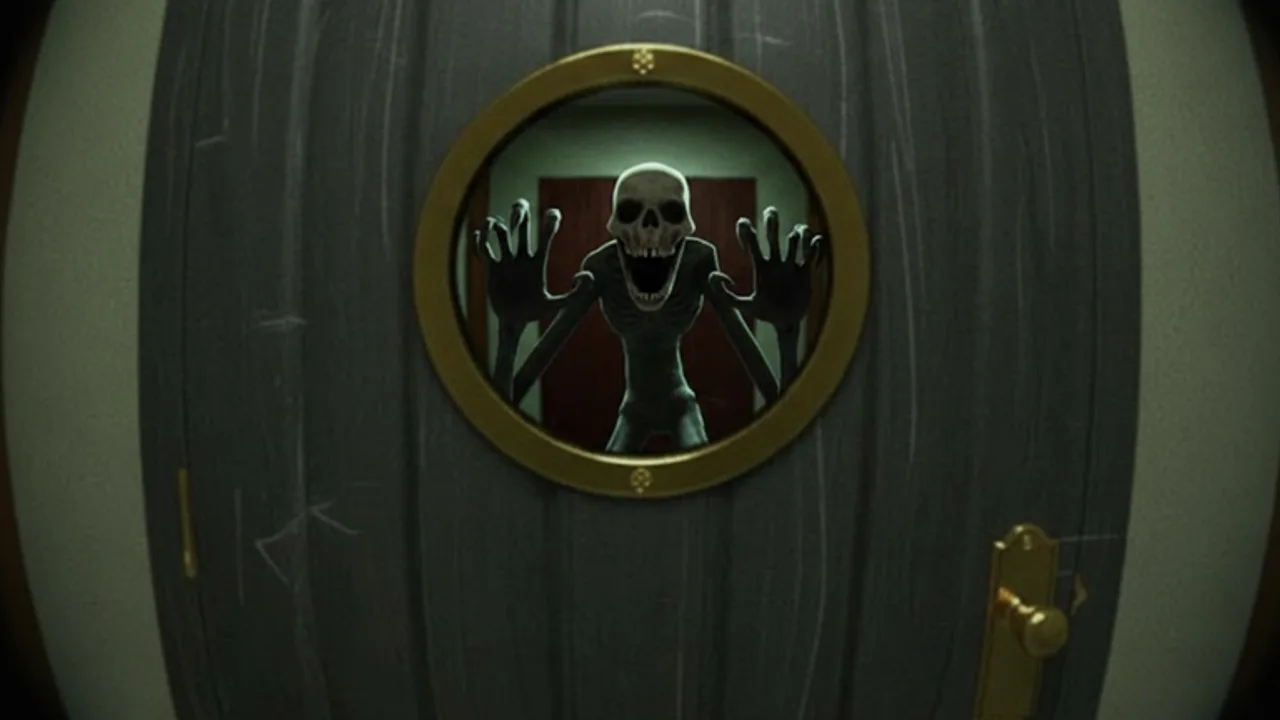
Confirmed redemption path
Keep the Door Locked redeems promo codes inside the experience. Early August builds used a left-side CODE button and a REDEEM CODE confirm. After the NEWUISOON update hint, August 24 roundups describe opening Shop, typing into Enter code here, and pressing Redeem. Both paths are official UI, not third-party sites. Rejoin a fresh server so you see the current control.
Do not paste codes into Roblox website chat, a browser console, exploit tools, survey gates, or “claim” pages. Public promo codes never require your password, a .ROBLOSECURITY cookie, a paid key, or antivirus disablement.
Step-by-step checklist
- Open the official Keep the Door Locked game page and join through Roblox.
- Let the room and left-side UI finish loading. Leave and rejoin if you are still on a pre-rotation server.
- Click CODE on the left menu or open Shop if that is where the code box now lives.
- Type or paste one live string from the Codes hub (
ENDING5orNEWUISOON). - Click REDEEM / REDEEM CODE once and watch for cash or tokens.
- If nothing appears, check spelling, whether that account already claimed it, and whether Destructoid’s “new servers only” note applies.
Redeem one code at a time so you can see which reward landed. Then spend cash on Shop Upgrades. Tokens and cash do not replace camera checks. After redeeming, return to How to Play or your current ending goal.
Troubleshooting failed codes
Already redeemed usually means the same Roblox account claimed that string before. Invalid often means a typo, a missing character, wrong capitalization, an expired code from Expired Codes, or a string meant for another game. Invisible spaces from social posts are a common trap — typing the code manually can help.
Confirm the Place ID and creator before trusting a random list. Keep the Door Locked is published by Hotel Room Services at place 124338404742585. New strings often appear first in the official Discord. A page that names a different creator or Place ID is describing another experience.
After a successful redeem
Note what you received and whether revive or jumpscare tokens appear in inventory. Then continue the night loop: cameras, rules, visitors. Codes are a short-term resource boost, not an ending unlock. For progression, use Survive 10 Days, All Endings, and the Ending Tracker.
When a code stops working for accounts that never claimed it, check Expired Codes and patch notes. Keep this redeem guide updated whenever the button label or menu location changes in a live build.
Redeeming without breaking a research run
Treat code redeeming as a lobby or between-nights task. Do not open Shop or CODE in the middle of a Door Breaker fight, a katana trust moment, or a Nightmare corridor. Finish the immediate survival prompt, stabilize the room, then claim rewards.
If you are preparing a dedicated ending research session, redeem first, confirm cash and tokens landed, then start the run with a clean objective. Log any token spends separately from badge progress in the Badge Tracker so a revive usage is not confused with an ending unlock.
Cash, tokens, and what they are not
Cash from ENDING5 and NEWUISOON is useful for flashlight, sanity, and walkspeed, but it is not Blood Money completion. Revive tokens and jumpscare tokens are situational tools; they do not reveal grandma keys, golden skeletons, or Blood Moon rules. Keep expectations aligned with Common Mistakes so a successful redeem does not tempt you into reckless door openings.
After redeeming, return to the camera-first loop in How to Play. The best use of free cash is buying time to observe — not buying an excuse to skip observation.
Frequently Asked Questions
Quick answers about the hotel room, visitors, and endings.
Where is the Keep the Door Locked code button?
Older builds use CODE on the left. Newer reports redeem inside Shop. Rejoin and use whichever field is live.
Do I redeem codes on the Roblox website?
No. Use the in-game CODE or Shop field. Never enter account details on an external redemption site.
Why did a code from a video fail?
It may be expired (ROOM! and the first wave are dead), mistyped, already redeemed, or intended for another game.
Should I redeem mid-night during a threat?
No. Stabilize the room first. Redeem between encounters so a menu detour does not cost a survival decision.
Do codes unlock endings?
No. They grant cash or tokens only. Ending routes still require cameras, rules, and the correct visitor or discovery choices.