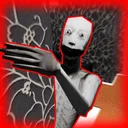
Keep the Door Locked The Darkness
Follow the lights ahead. Reach the doorway and you return to the real world.
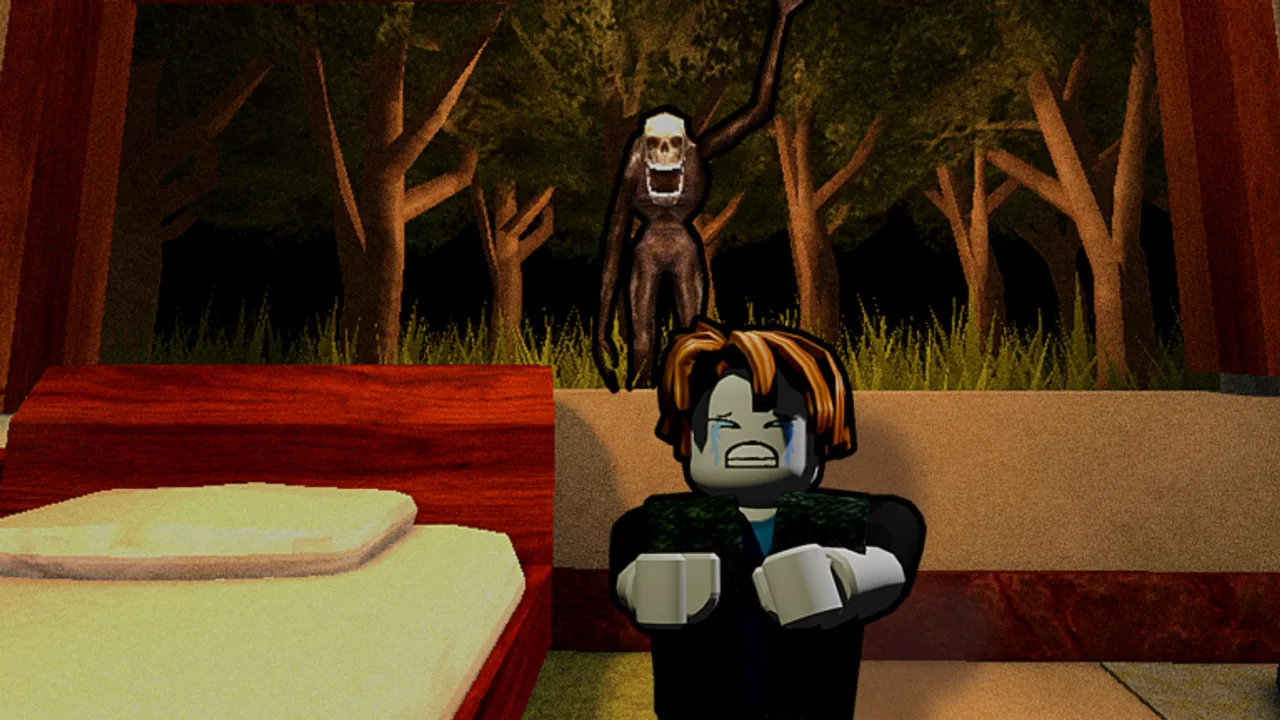
What the darkness does
The darkness is a confirmed Keep the Door Locked room event. While standing in your room, you may trigger an event where a pair of hands covers your eyes and you are teleported into an endless void of darkness. The void is silent, mostly empty, and disorienting. The familiar furniture, the rules, and the camera feed are all gone in an instant.
The way back is also straightforward. Follow the lights ahead of you until you reach a doorway that brings you back to the real world. The void does not respond to camera checks, sanity tricks, or door choices — it only responds to walking toward the lit doorway.
How to respond
- Notice the hands cover your eyes and the room changes.
- Move forward in the direction of any visible lights.
- Keep walking; do not turn back, do not panic, do not try to fight the void.
- Reach the doorway and walk through it.
- Resume your normal night loop.
The event is short. Most players walk through it within ten seconds. Treat the void as a ten-second detour, not as a separate level.
Common mistakes
- Trying to use the camera in the void. There is no camera to use.
- Running in random directions. The lights form a path; follow them.
- Assuming the void is endless. It always ends at a doorway.
- Trying to fight or push the hands away. They are a transition cue, not an enemy.
- Dropping your run discipline the moment the room changes. The night continues on the other side.
- Trying to use items or interact with furniture. The void has none.
Why the lights exist
The lights are the game’s only signpost in the void. They mark a path that leads to a doorway. There are no shortcuts and no items to use. Walking forward is the entire solution. The doorway looks like the same door the player normally enters the room through, so the brain accepts the transition quickly.
What the void changes
While you are in the void, the room behind you is on its own. Doors still respond to knock prompts only when you are physically at the door, and the camera feed is unavailable. Plan for the moment you return — most players should land back near the bed or laptop and immediately resume the scan they were running. If you were in the middle of investigating a window change, the window is still there waiting.
Combine with other signals
The darkness is one of the room events that interrupts whatever you were doing. Other interruptions are the vent ghost drop, the spiders exploding, the bathroom monster reminder, the shadow figure appearing in a corner, the room hider jumpscare, and the hacked laptop pop-up. Each of these pulls your attention for a few seconds. Build the habit of completing the interruption, then going back to the last step in your routine instead of starting from scratch. That single habit saves more runs than any individual anomaly knowledge.
Related anomalies
- Vent ghost: jump on the bed and wait.
- Shadow figure: corner figure you dispel with the flashlight.
- Window Seeker: phase-based window threat you reset by opening the curtains.
- Hacked laptop: pay 300 cash to restore the camera feed.
The threat ranking treats the darkness as a brief orientation test rather than a major threat. The camera and door decisions guide explains why interruption events should not derail your scan loop.
Frequently Asked Questions
Quick answers about the hotel room, visitors, and endings.
How do I escape the darkness?
Follow the lights ahead of you until you reach a doorway, then walk through it.
Can I use the laptop in the darkness?
No. The laptop and camera are unavailable in the void.
Is the darkness tied to an ending?
No confirmed ending tie. It is a brief orientation event.
How long does the darkness last?
Usually under ten seconds. Keep walking forward until the doorway appears.
Should I keep checking the window after returning?
Yes. Window anomalies and the Window Seeker keep their phase state across the void transition. Resume your scan from where you left off.