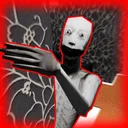
Keep the Door Locked Translucent Guest Anomaly
A see-through silhouette on the hallway camera is the clearest signal to keep the door locked.
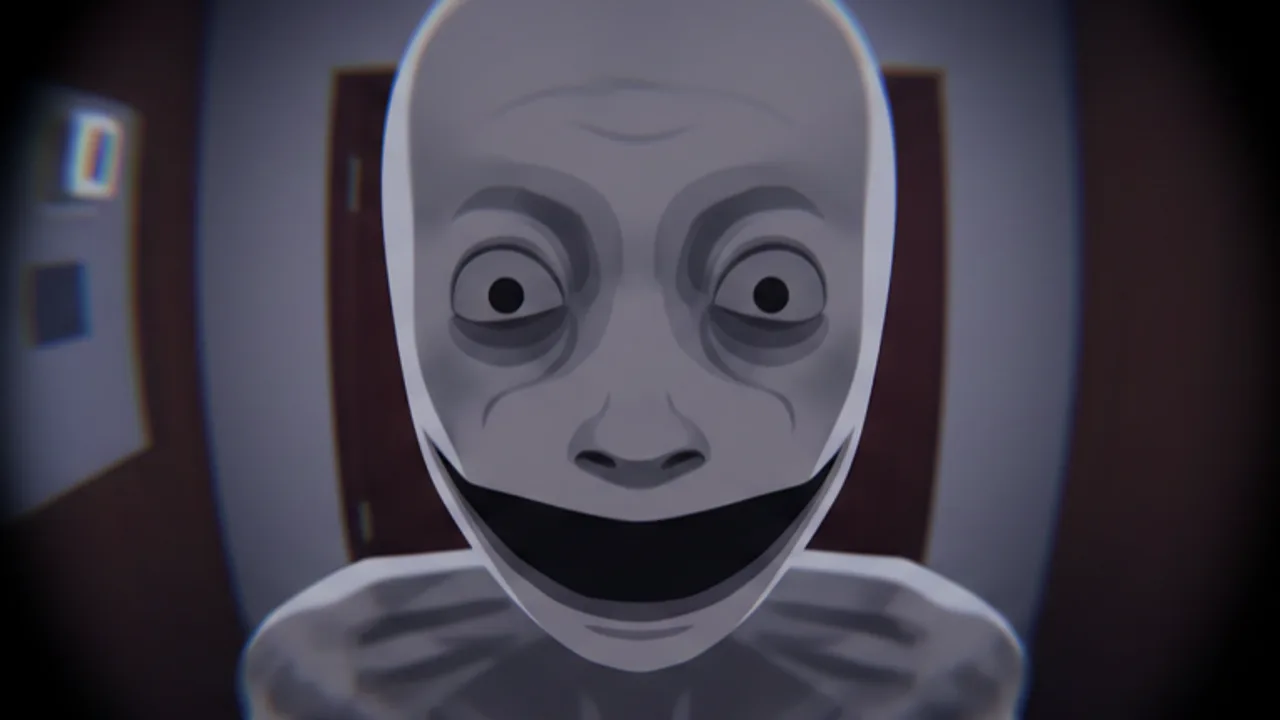
What the translucent guest is
Among the confirmed Keep the Door Locked visitor anomalies, the translucent guest is the most camera-dependent. The visitor arrives like any other knock at the door, but when you pull up the laptop feed and look at the hallway, the figure is see-through. Lighting passes through them, edges feel wrong, and the silhouette has the shape of an ordinary hotel guest without the substance of one.
This is the easiest visitor anomaly to identify with the laptop camera. The hallway feed is wide and shows the figure against the wall, the carpet, and the railings. Once you spot the see-through effect, the response is simple: keep the door locked and refuse the request. The figure eventually fades from the hallway, and the run continues.
How to recognise it without panic
Open the laptop and look at the live feed every time the door prompts a visitor. Do not commit to a door decision from the knock alone. Compare the new silhouette against the previous confirmed visitors so a tired evening does not turn a routine traveller into a mistake. The translucent guest is not a different room event; it is one of the regular knock interactions, so the same camera routine applies.
- The hallway camera is the only way to confirm a translucent guest.
- The knock pattern, voice, and visible posture are not reliable enough on their own.
- A translucent silhouette is permanent in that single visitor frame — you do not need a second screenshot to be sure.
What to do during the encounter
- Pull up the laptop camera.
- Confirm the hallway silhouette is see-through.
- Choose Lock the door on the prompt.
- Stay on camera for a few seconds to confirm the figure actually leaves.
The translucent guest never overrides the rule menu, never demands that you accept before checking, and never pretends to be a known reward visitor. Treat the silhouette as a strict refusal and move on.
When to leave the door alone
If the camera is in use or temporarily unavailable because of another event (a hacked laptop message, a coder charge popup), the safe choice is to refuse the visitor by default. Opening for an unknown silhouette because the camera was inconvenient is the most common way players die to this anomaly.
Camera and Door Decisions explains why a refused unknown visitor costs nothing, while an accepted translucent silhouette costs the run. Save the second-chance save point for genuine reward visitors, not for shadows that should never have crossed the threshold.
Related visitor anomalies
The doppelganger and dead doppelganger visitors also require the laptop camera. Build one habit, not three:
- Look at the camera before any door decision.
- Compare the visitor against the existing patterns in All Anomalies.
- If anything looks off — see-through, doubled, or dead — lock the door without delay.
The translucent guest is rare but consistent. Once you have seen one on a camera, every later hallway silhouette becomes a fast comparison instead of a panicked guess. The threat ranking lists visitor-camera anomalies separately from room anomalies so you can decide what to focus on during a calm run.
Frequently Asked Questions
Quick answers about the hotel room, visitors, and endings.
How do I tell a translucent guest from a tired guest?
Pull up the laptop camera and check the silhouette. A translucent guest is clearly see-through against the hallway background; ordinary guests are opaque.
Can a translucent guest be safe?
No. The anomaly evidence treats every translucent guest as hostile. Lock the door.
What if the camera is unavailable?
Refuse the visitor by default. Do not open the door for an unknown silhouette when the camera cannot confirm them.
Are translucent guests related to a known ending?
No confirmed ending tie. The anomaly is treated as a hostile visitor without documented reward or progression.